What is a Wireframe?
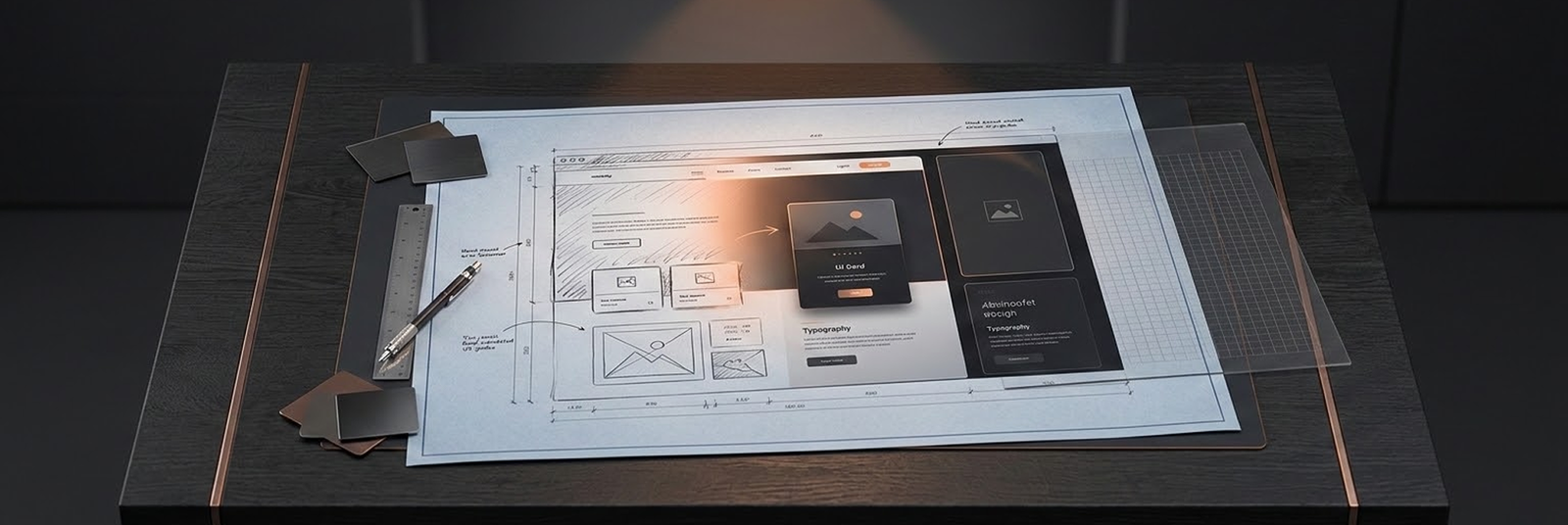
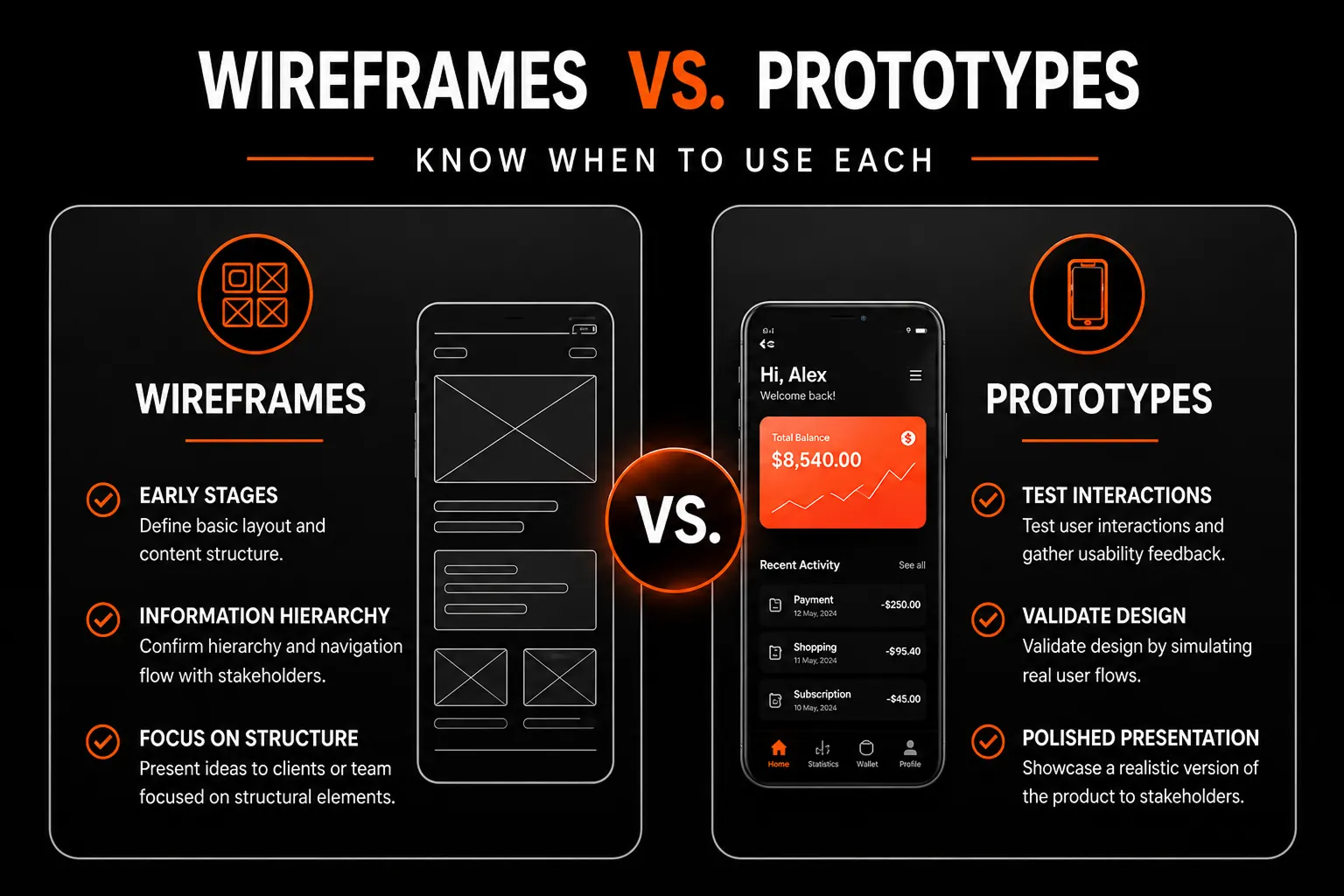
A wireframe is a low-fidelity, basic outline of a design. It focuses on the structure and layout of an interface, using simple shapes and placeholders to represent the different elements on a screen, such as headers, footers, navigation, and content blocks. Wireframes are typically static and lack detailed visual elements or interactivity, which allows designers to focus purely on the structure and flow of information without getting bogged down by colors, fonts, or animations.
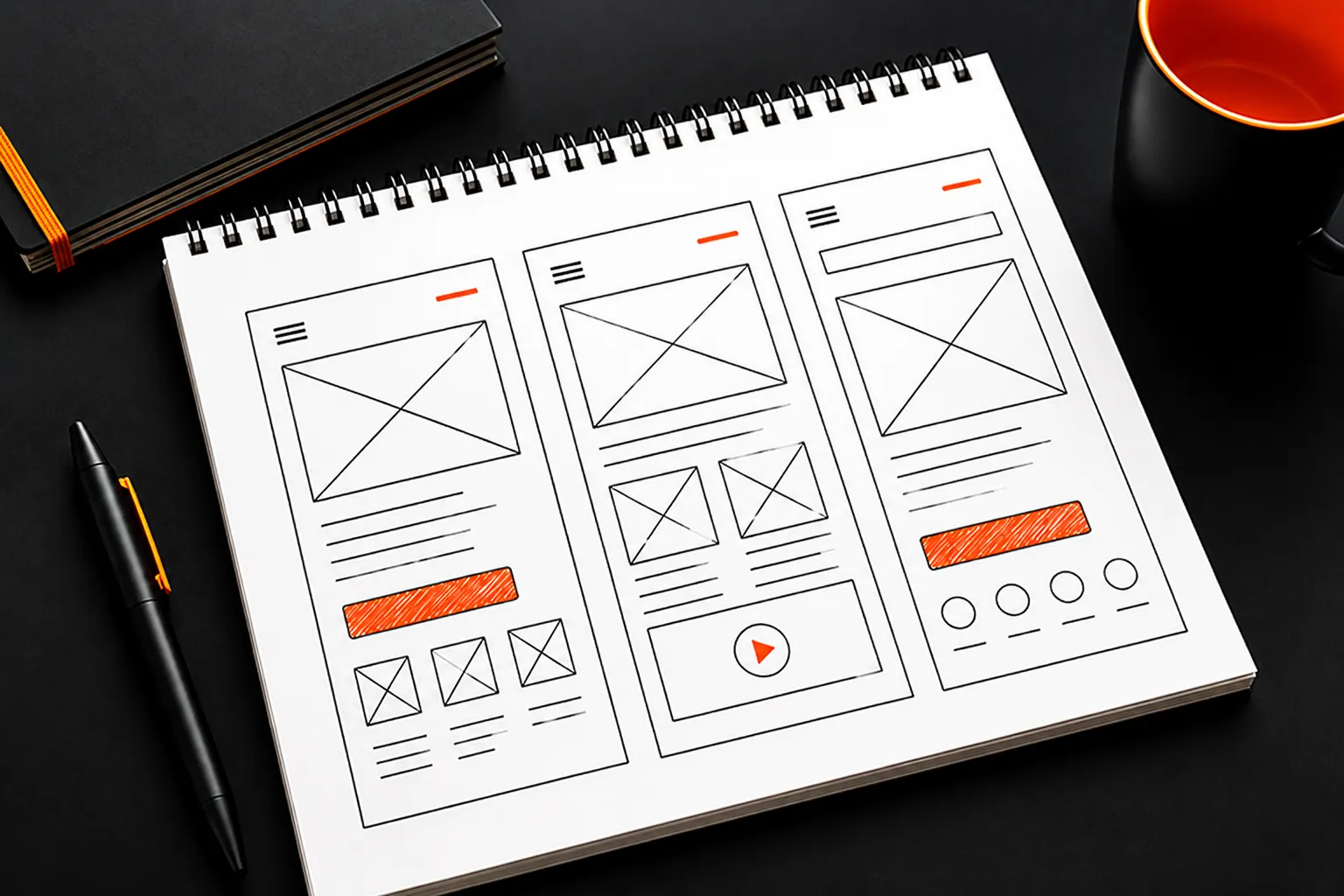
- Low-fidelity: Simple, skeletal representations, often black-and-white.
- Static: No interactive elements.
- Purpose-driven: Emphasizes structure and content hierarchy rather than visuals.
- Quick and inexpensive: Wireframes can be created quickly, allowing designers to sketch out ideas and gather feedback early on.
- Focus on structure: Helps establish the page layout, ensuring a logical flow and hierarchy before adding visuals.
- Easy to iterate: Because they are basic and simple, wireframes can be modified easily based on feedback.
What is a Prototype?
A prototype is a more detailed, interactive representation of the final design. Prototypes bring a wireframe to life by incorporating elements of functionality and interaction. Depending on its fidelity, a prototype can range from a simple clickable version of a wireframe to a high-fidelity, almost production-ready design. Prototypes allow designers to simulate user interactions, test user flows, and gather more in-depth feedback.

- Interactive: Allows users to click on elements, navigate through screens, and experience the design as they would in the final product.
- Variable fidelity: Can range from low to high fidelity, incorporating elements of visual design, animations, and sometimes even working code.
- Usability-focused: Used to test user experience, interaction design, and overall usability.
- Realistic user feedback: Allows for testing of user flows and interactions, helping to identify usability issues early.
- Visual and functional representation: Gives stakeholders a realistic look and feel of the final product, which is especially useful for client presentations.
- Improved design validation: Tests the design's functionality and how users will engage with it, ensuring the end result meets user expectations.
When to Use Wireframes and Prototypes
Wireframes are ideal at the beginning of the design process when the goal is to establish the overall layout and structure. Use wireframes to:
- Outline the page layout and navigation.
- Arrange the content hierarchy.
- Gain early feedback on the organization of elements.
Types of Wireframes and Prototypes
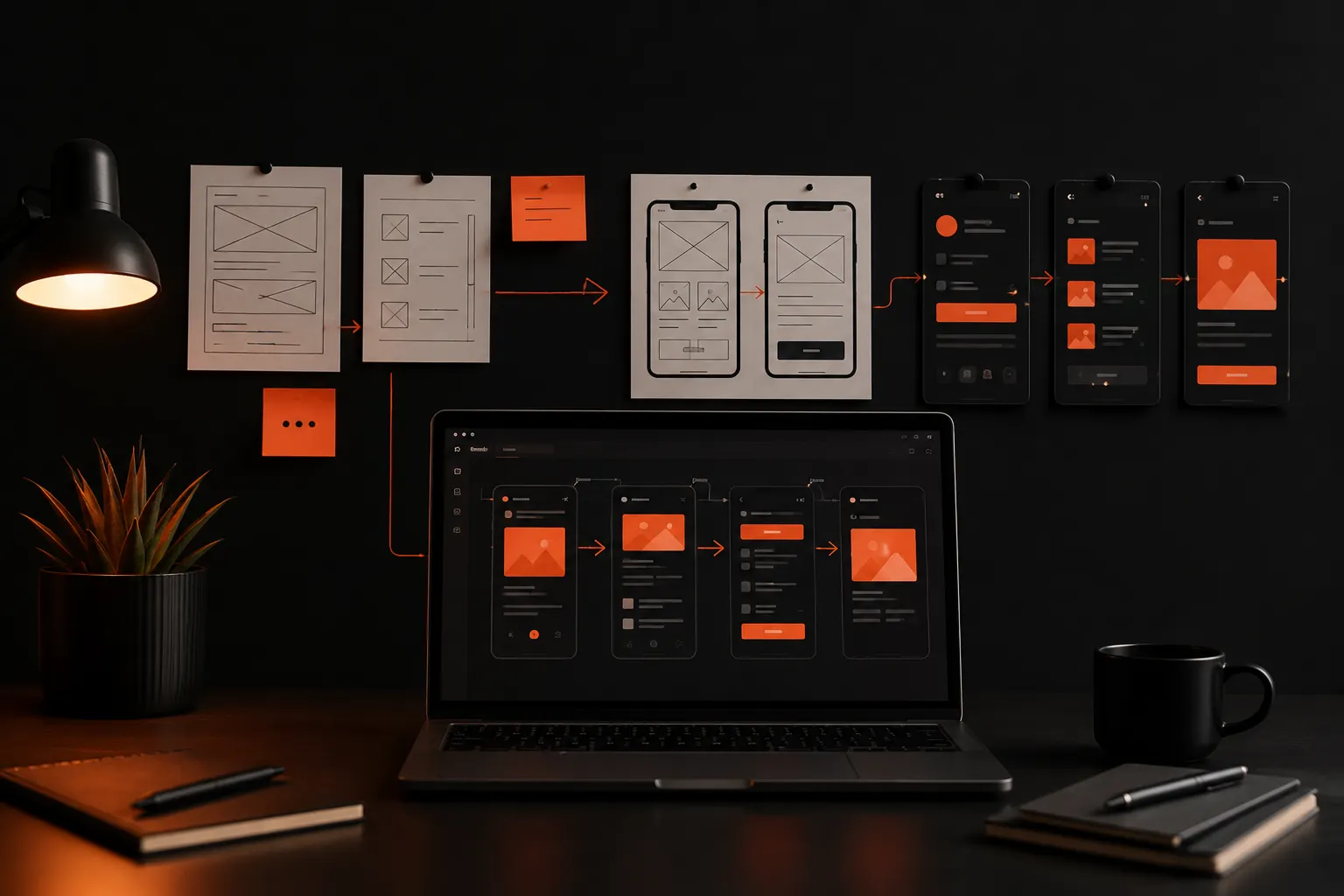
Wireframes are basic, low-fidelity layouts that outline a product's structure, focusing on content placement and functionality. Prototypes are interactive models that simulate user interactions, showcasing flow and design functionality. Types include low-fidelity (sketches), mid-fidelity (simple designs), and high-fidelity (detailed, interactive) wireframes and prototypes, used at different stages of development.
- Low-Fidelity Wireframes: Basic sketches with placeholders for elements, ideal for quickly sketching ideas.
- High-Fidelity Wireframes: More detailed, incorporating some visual elements but remaining largely static.
- Low-Fidelity Prototypes: Often clickable versions of wireframes with basic interactions.
- High-Fidelity Prototypes: Almost production-ready versions that closely resemble the final design, including visual details, transitions, and animations.
Tips for Creating Effective Wireframes and Prototypes
Creating effective wireframes and prototypes is essential for translating design ideas into functional products. Start by focusing on the overall user flow and layout rather than intricate details, especially in the early stages. These visual tools should clearly communicate the structure and interaction of the product, enabling teams to refine features and usability. Prototypes should be interactive to simulate real user interactions, helping identify potential issues early. Regular testing and iteration, guided by user feedback, ensure that the final design meets user needs and is intuitive. Consistency in design elements throughout wireframes and prototypes also helps maintain a cohesive user experience.

- Keep it simple: Don’t overcomplicate your wireframes or prototypes. Focus on the essential features, layout, and interactions that need testing.
- Use dedicated tools: Choose wireframing and prototyping tools that align with your project needs and level of detail required.
- Test and iterate early: Gather feedback from users and stakeholders at various stages to ensure you’re on the right track.
- Prioritize functionality in prototypes: For prototypes, focus on user flow and usability, ensuring that interactions mimic the intended user experience.
- Communicate purpose and limitations: Make sure clients or stakeholders understand the purpose of each stage. Wireframes are not the final design, while prototypes may lack some final polish.