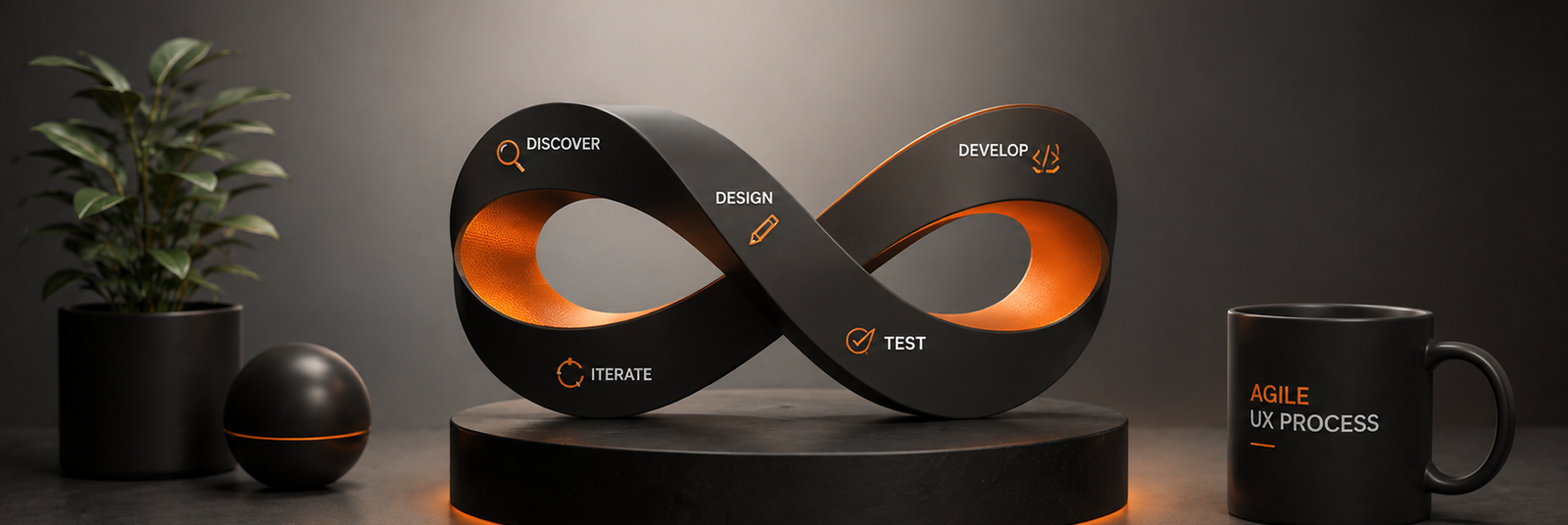
What is Agile UX Design?
Agile UX design integrates the principles of Agile development with user experience (UX) design to create a flexible and user-centered approach. It involves continuous design and user feedback throughout the development process rather than completing the design before development starts. This iterative, collaborative approach ensures that the product evolves based on user needs and feedback, aligning design changes with ongoing development.
What is Agile Development?
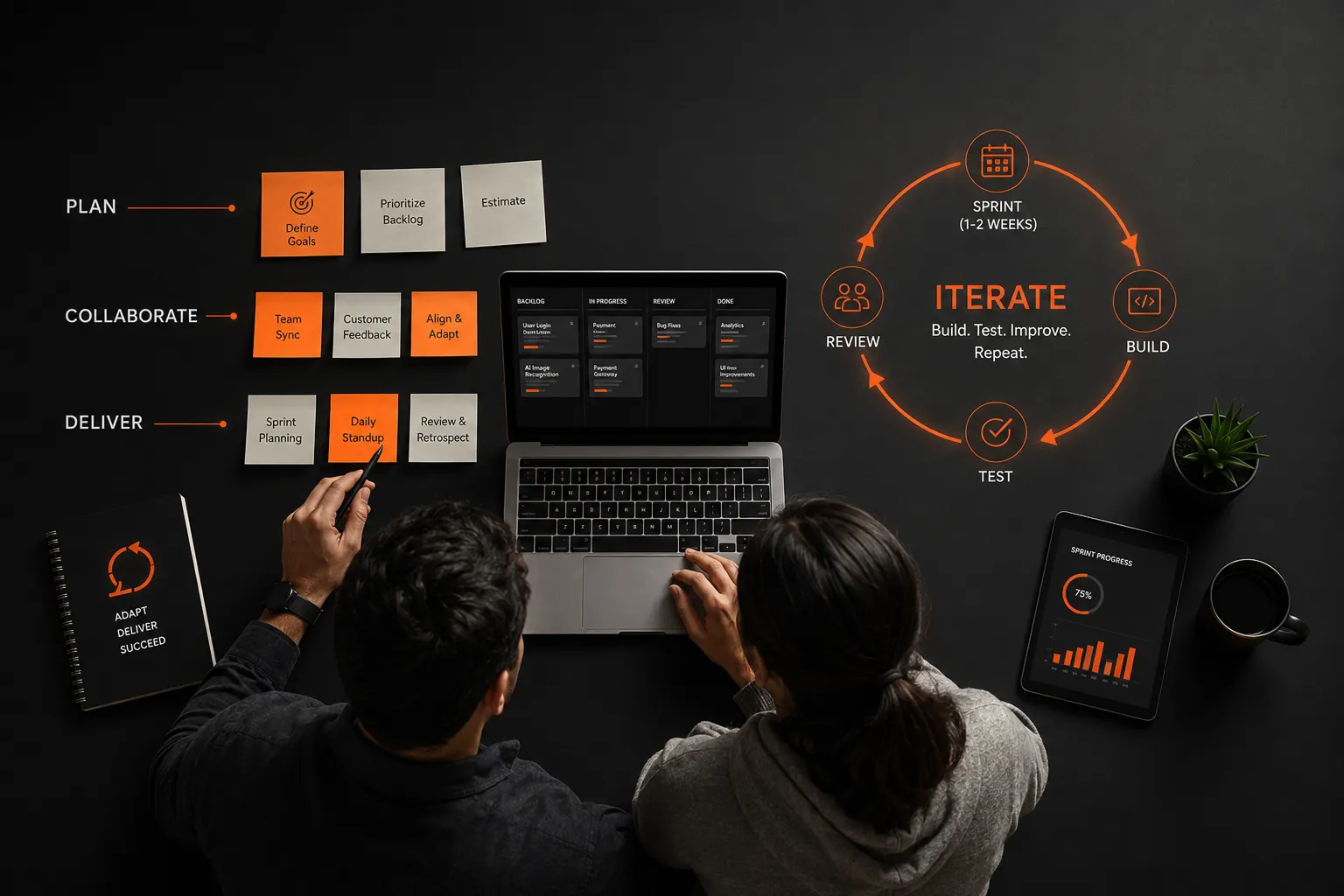
Agile development is a project management and software development approach that focuses on delivering incremental improvements through short, iterative cycles called "sprints." Agile prioritizes adaptability, customer collaboration, and rapid response to change over strict planning, enabling development teams to produce functional software quickly and make adjustments based on real-time feedback.
How Does UX Design Differ from Agile Development?
UX design focuses on creating an intuitive, engaging user experience by understanding user behaviors and needs, often through research and prototyping. In contrast, Agile development prioritizes the rapid creation of functional software, often without fully addressing design needs upfront. Integrating UX into Agile requires adapting UX methods to fit Agile's fast-paced, iterative structure, ensuring that user experience is continually refined as development progresses.
Integrating UX and Agile Development Principles
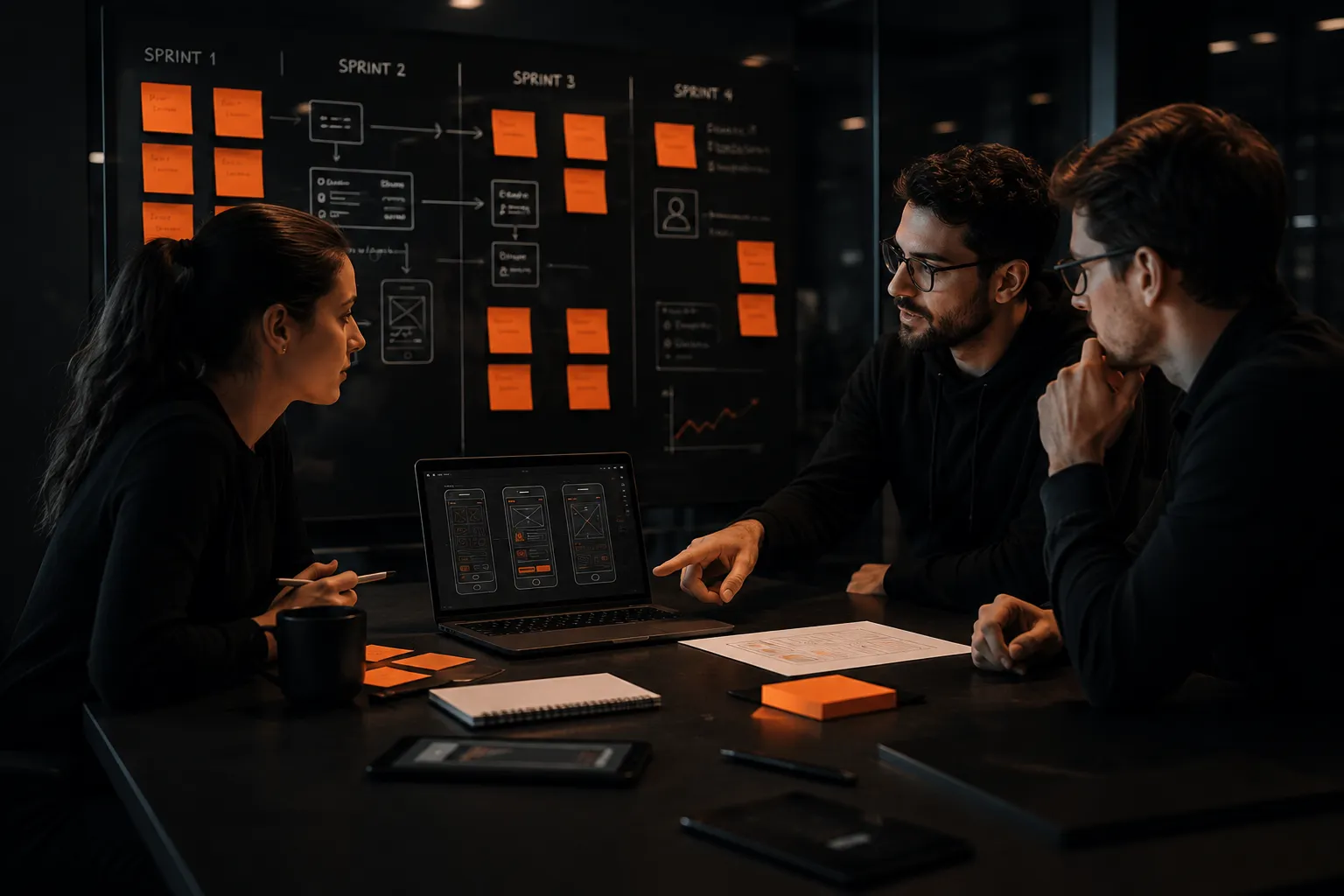
Combining UX and Agile involves synchronizing design and development teams, allowing designers to work just ahead of developers in each sprint. This collaboration ensures that user-centered design remains at the forefront while maintaining Agile’s iterative pace. Methods include user research at the start of each cycle, designing in small increments, and regularly testing and refining based on user feedback.
Agile User Experience Design Pros
- Continuous Improvement: Regular user feedback enables ongoing enhancements, keeping the design aligned with user needs.
- Flexibility Agile's iterative cycles allow design to adapt quickly to changes in project requirements.
- Collaborative: Cross-functional teams work closely together, which can improve communication and alignment.
- Reduced Risk: Frequent testing and evaluation reduce the risk of delivering a product that doesn’t meet user expectations.
Agile User Experience Design Cons
- Time Constraints: Sprints can limit the time available for in-depth user research or extensive design iterations.
- Compromise on Design Quality: The focus on speed and functionality can sometimes overshadow design quality.
- Constant Adaptation: Designers must frequently adapt to changing requirements, which can disrupt design consistency.
- Overlapping Work: Designers and developers working simultaneously may create coordination challenges.
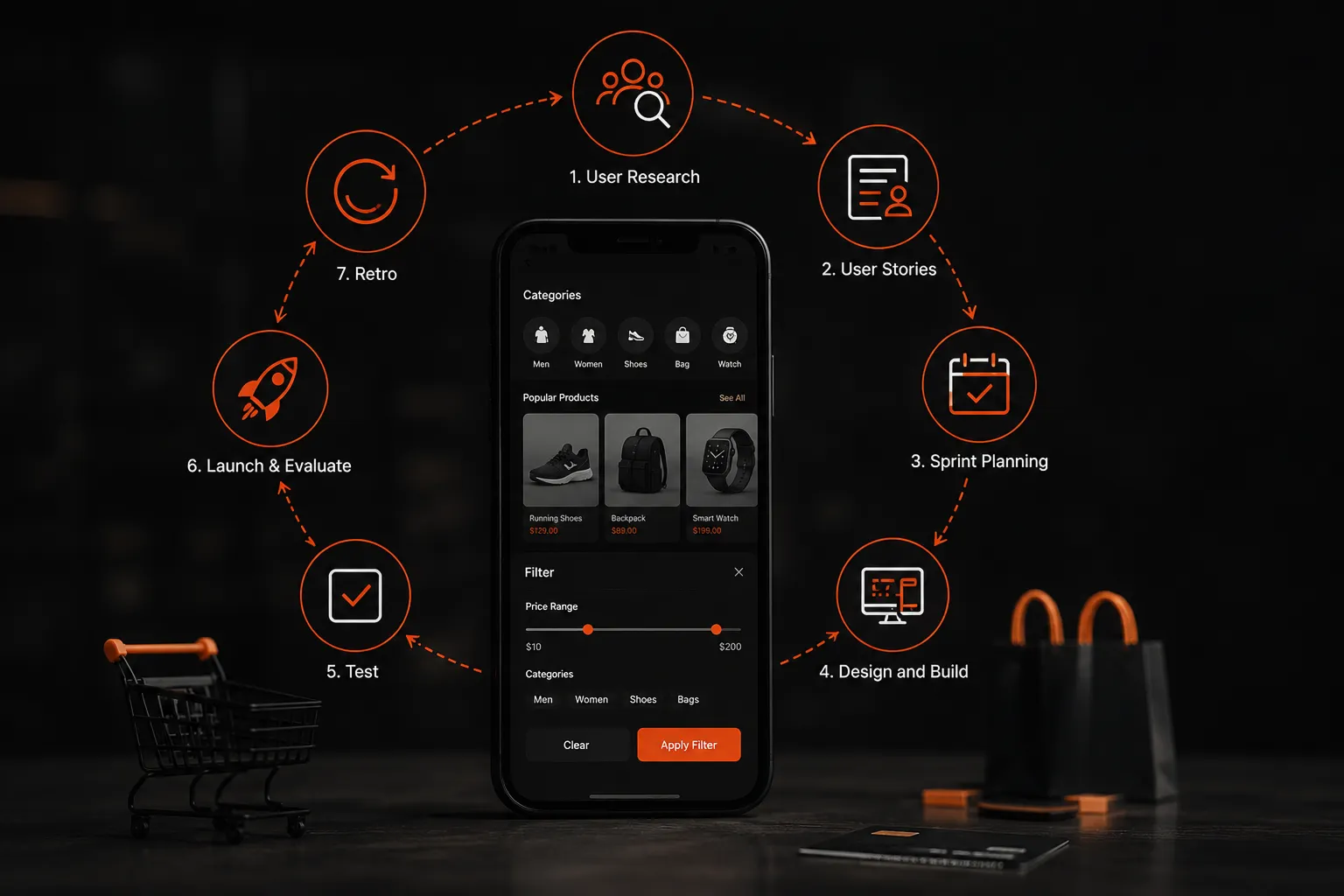
The Agile UX Process Explained
- User Research: Start each cycle with user research to gather insights about users’ needs, pain points, and preferences. This ensures that design decisions are informed by actual user feedback.
- Develop User Stories: Based on research findings, create user stories that outline what users want to accomplish. These stories guide the development and design work for the sprint.
- Sprint Planning: During sprint planning, the team prioritizes tasks, clarifies objectives, and sets goals for the sprint, ensuring that everyone is aligned on what will be achieved.
- Design and Build: Designers work closely with developers to create, prototype, and build features. Design is completed just ahead of development to ensure readiness for implementation.
- Test: As each feature is built, it’s tested with users for feedback. This helps identify usability issues early and makes adjustments before the next iteration.
- Launch & Evaluate: Once a feature or version is ready, it’s launched and evaluated for user satisfaction. Data and user feedback collected here inform future iterations.
- Retro: After each sprint, the team conducts a retrospective to discuss what went well, what could be improved, and adjustments for the next cycle.
- Repeat: This iterative cycle continues until the product is refined to meet both user needs and business goals.
An Agile UX Workflow Example
Suppose an e-commerce team is developing a new mobile shopping feature. The workflow might look like this:
- User Research: The team interviews users to understand how they currently shop on mobile.
- User Stories: Stories like “As a user, I want to filter products easily on mobile” are created.
- Sprint Planning: Prioritize implementing the filter feature.
- Design and Build: The designer creates the UI for the filter, developers build it.
- Test: Users test the filter in the prototype.
- Launch & Evaluate: The filter is released, and user feedback is collected.
- Retro: The team discusses any issues and decides on improvements for the next sprint.
Final Points on the Agile UX Design Process
Agile UX design bridges the gap between rapid development and user-centered design. It requires continuous collaboration, adaptability, and a strong focus on user feedback to ensure a product that evolves in response to user needs.