Introduction to Adobe Illustrator
Adobe Illustrator is a leading design software developed by Adobe Systems. Unlike raster-based programs like Photoshop, Illustrator works with vectors, meaning designs can be resized infinitely without losing quality. This makes it the go-to tool for creating professional-grade artwork.
What Can You Create with Adobe Illustrator?
- Logos and Branding: Illustrator excels in creating logos and branding materials. Its vector-based tools ensure logos retain their sharpness across various sizes and formats. For businesses, this means professional, polished visuals on everything from websites to merchandise.
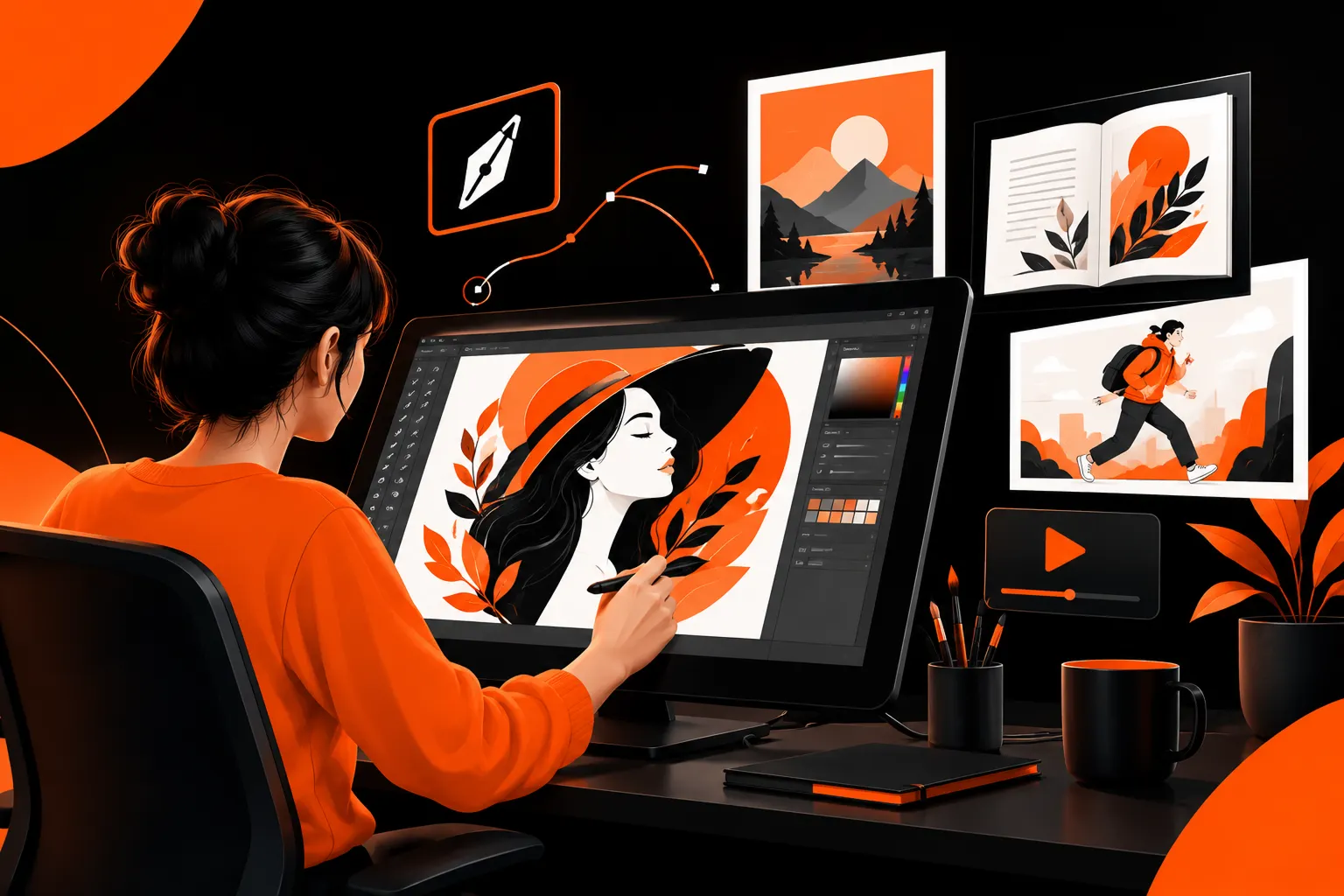
- Digital Illustrations: Artists use Illustrator to create digital illustrations for web designs, books, animations, and more. The precision of its pen tool and the flexibility of its brushes allow for stunning creations.
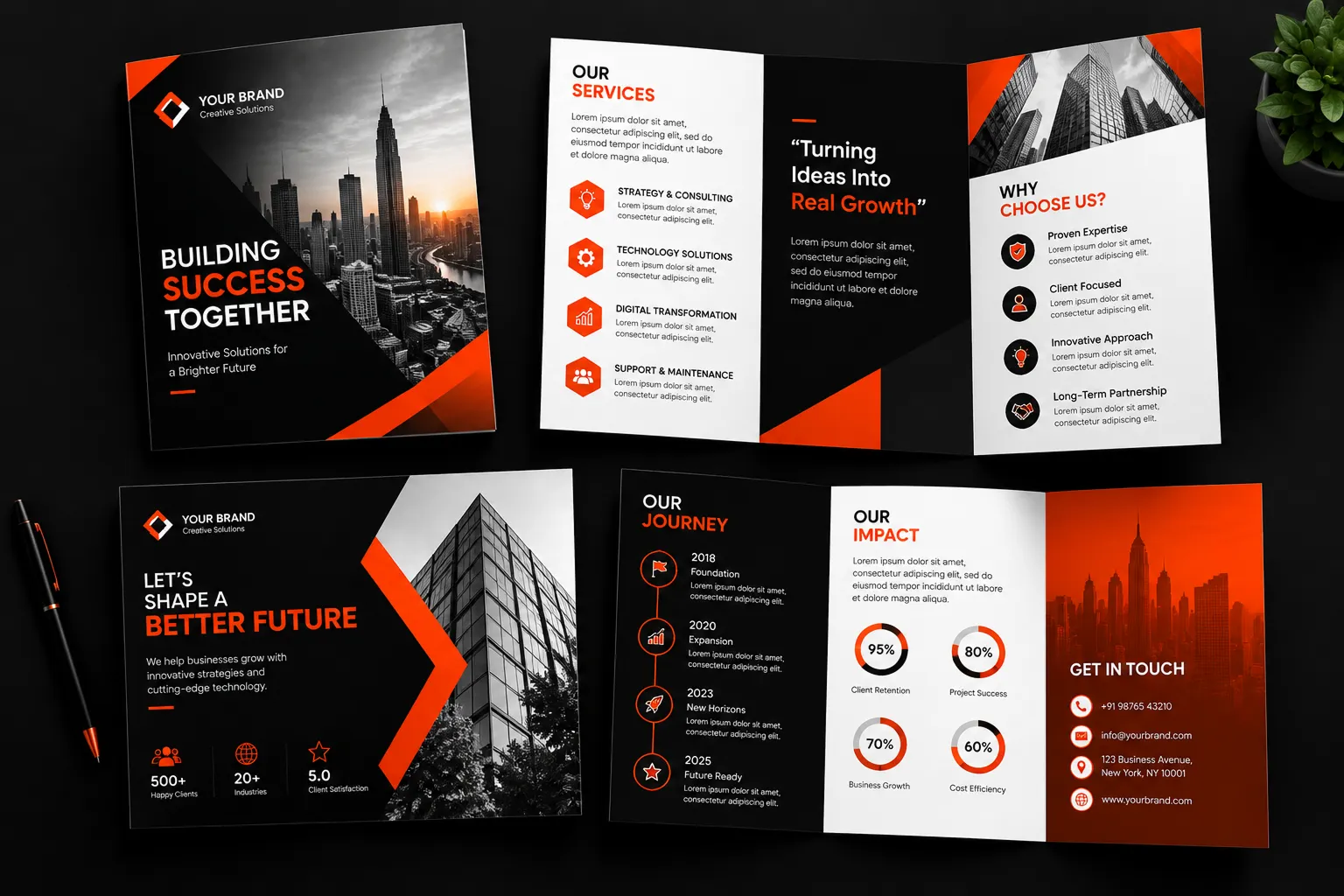
- Print Media: From flyers and brochures to business cards and posters, Illustrator offers tools to design print-ready files. The software supports CMYK color modes for high-quality prints.
- Typography and Text Effects: With its advanced typography tools, Illustrator is a favorite for designing unique text effects, custom fonts, and engaging layouts for editorial designs.
- Patterns and Textures: The pattern-making feature allows users to create seamless designs, perfect for textiles, wallpapers, or wrapping papers.
- 3D Graphics and Mockups: Illustrator’s 3D tools enable designers to craft mockups, packaging designs, and isometric drawings with ease.
- Web and App Design Assets: Although primarily used for print and vector work, Illustrator also supports designing UI elements like icons, buttons, and wireframes for web and app interfaces.
Key Features of Adobe Illustrator
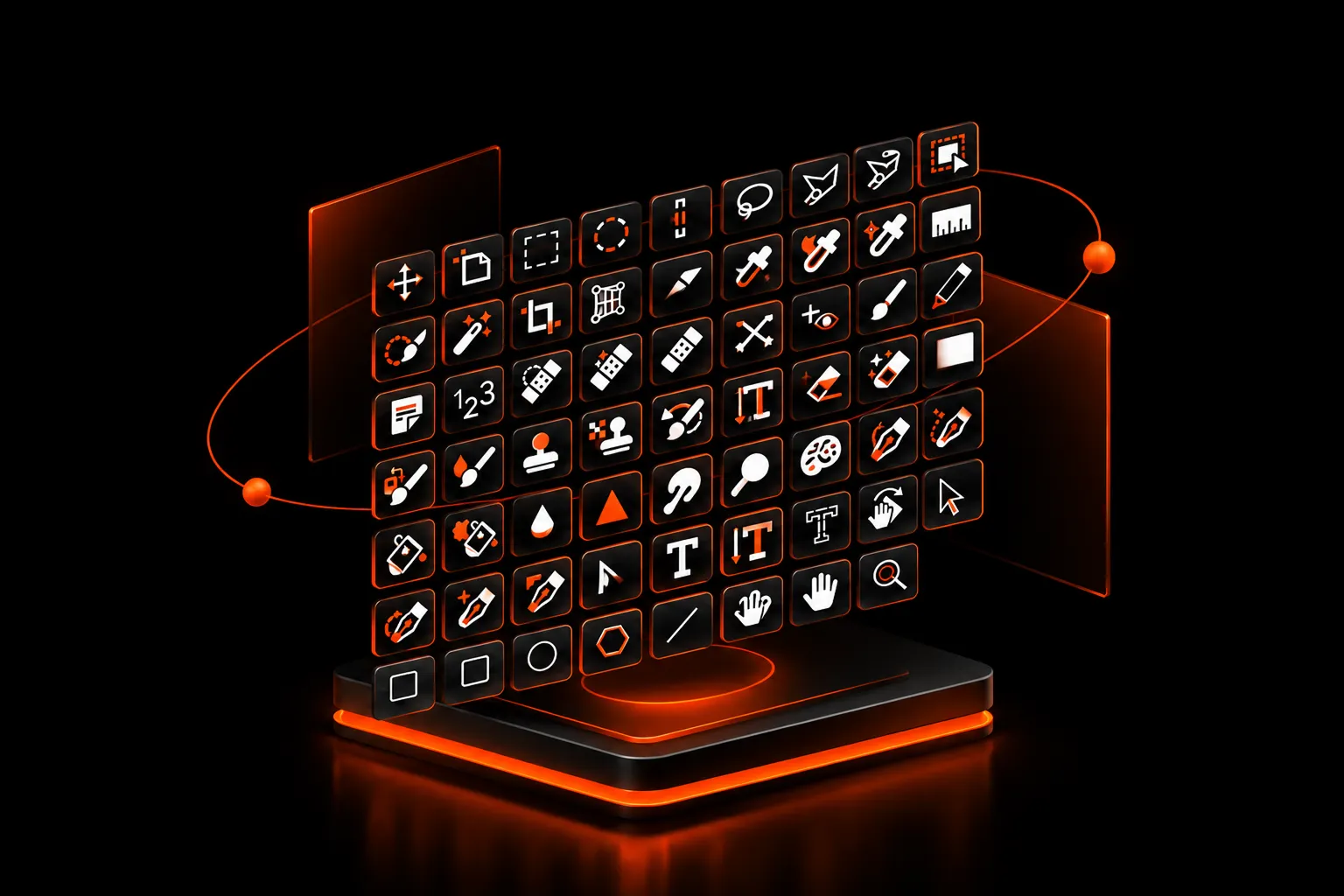
- Precision Tools: The pen tool, anchor points, and Bézier curves ensure high precision in designs.
- Scalable Graphics: Create designs that remain crisp and clear at any size.
- Integration with Adobe Ecosystem: Easily move between Adobe apps like Photoshop, After Effects, and InDesign.
- Extensive Artboard Support: Work on multiple designs in one file with unlimited artboards.
- Customizable Brushes and Effects: Add unique textures and effects to your artwork.
- Live Shapes: Modify and tweak shapes dynamically without starting over.
Who Should Use Adobe Illustrator?
While each discipline has its focus, they often overlap in creating cohesive digital products:
- Graphic Designers: For logos, branding, and marketing materials
- Illustrators: For detailed artwork and digital illustrations.
- Marketers: For campaigns, banners, and infographics
- UI/UX Designers: For crafting scalable web assets.
- Businesses: For creating promotional materials and visual branding.
Why Learn Adobe Illustrator?
Learning Adobe Illustrator opens up countless opportunities in creative fields. Its tools are essential for professionals in branding, marketing, and media. With Illustrator, you can turn ideas into reality, ensuring visually striking and memorable designs.Whether you're a beginner or looking to enhance your skills, Illustrator’s features cater to all levels of creativity. Start exploring and unlock a world of design possibilities!